Efficient communication makes work more productive

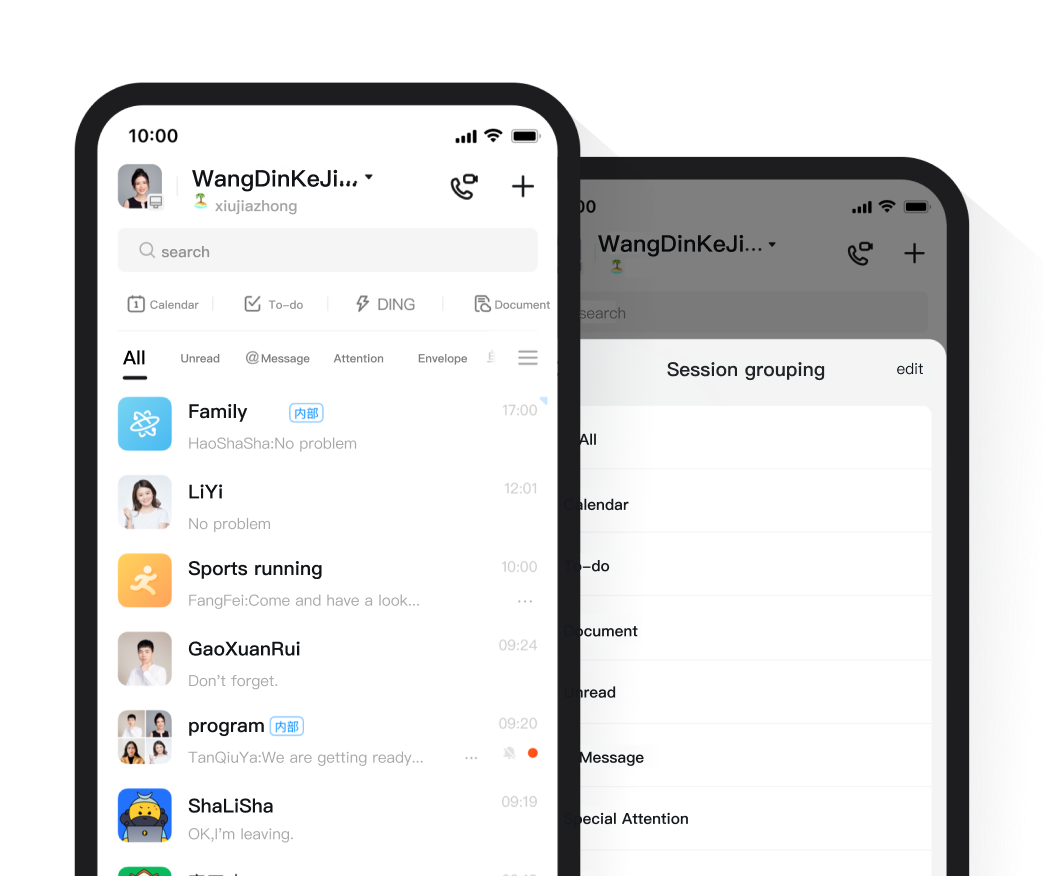
For Communication and Collaboration One Group Chat is Enough

Group 2.0 offers ready – made scenario groups. App integration simplifies things. Create groups with related orgs for efficient biz coop.

Intelligent Classification of Messages Ensuring that no Information is Left Out

On the homepage, conversations auto – filter by rules. Grouped chats are at the top, and custom grouping keeps messages tidy.

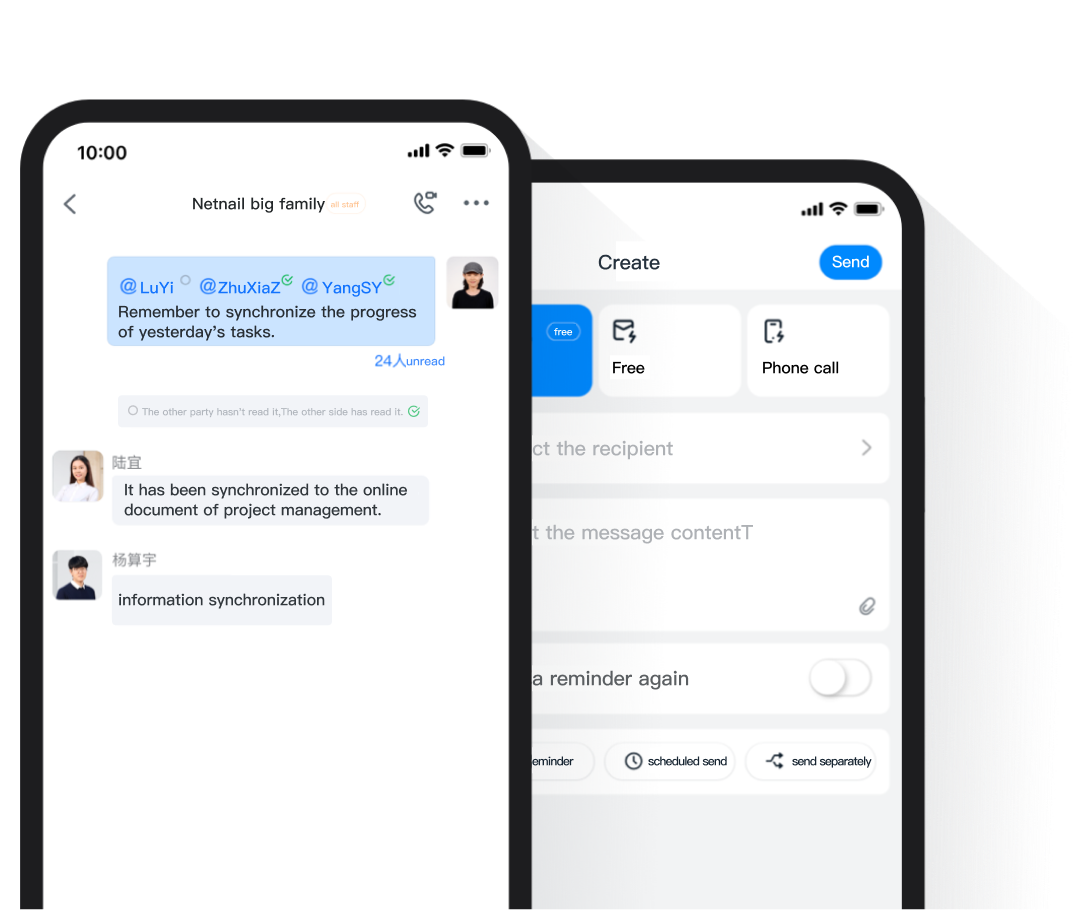
Messages will Surely Reach the Recipients Communication without Barriers

Messages show read/unread status. Unread ones can be converted to DING notifications for efficient communication.

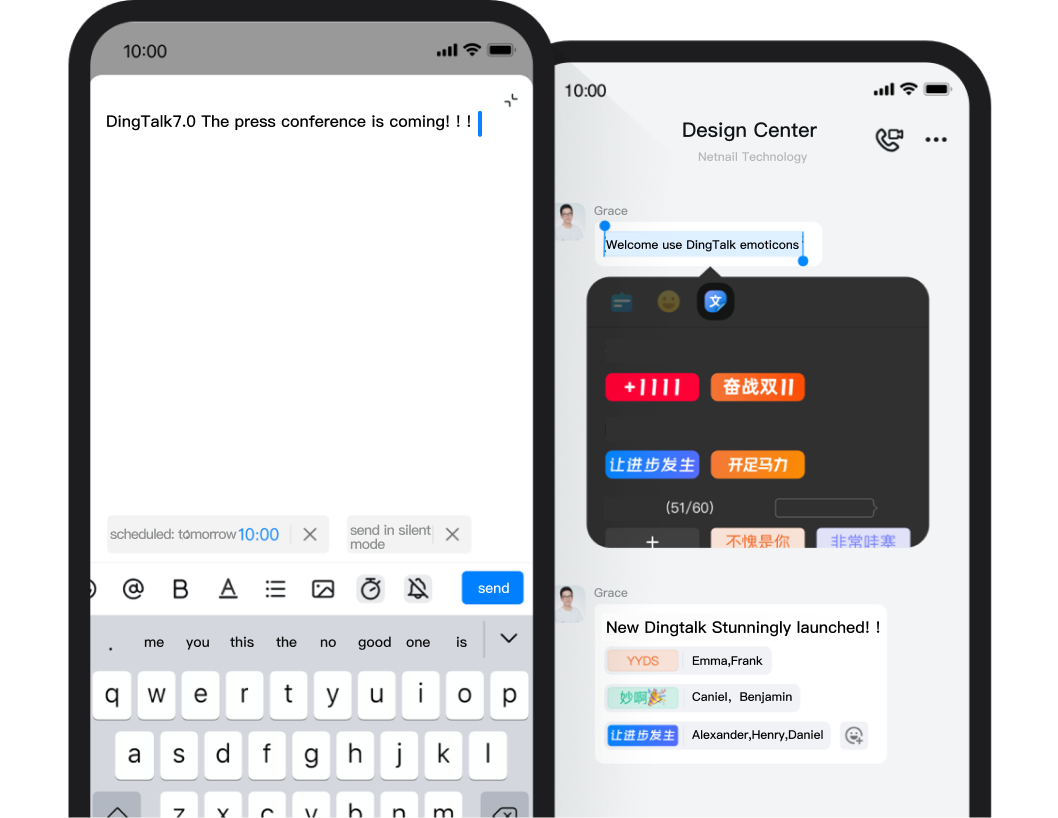
Experience Innovation make Communication Easier

It sends scheduled/silent msgs, cuts distractions. Text/emoticons show attitudes, ease replies.

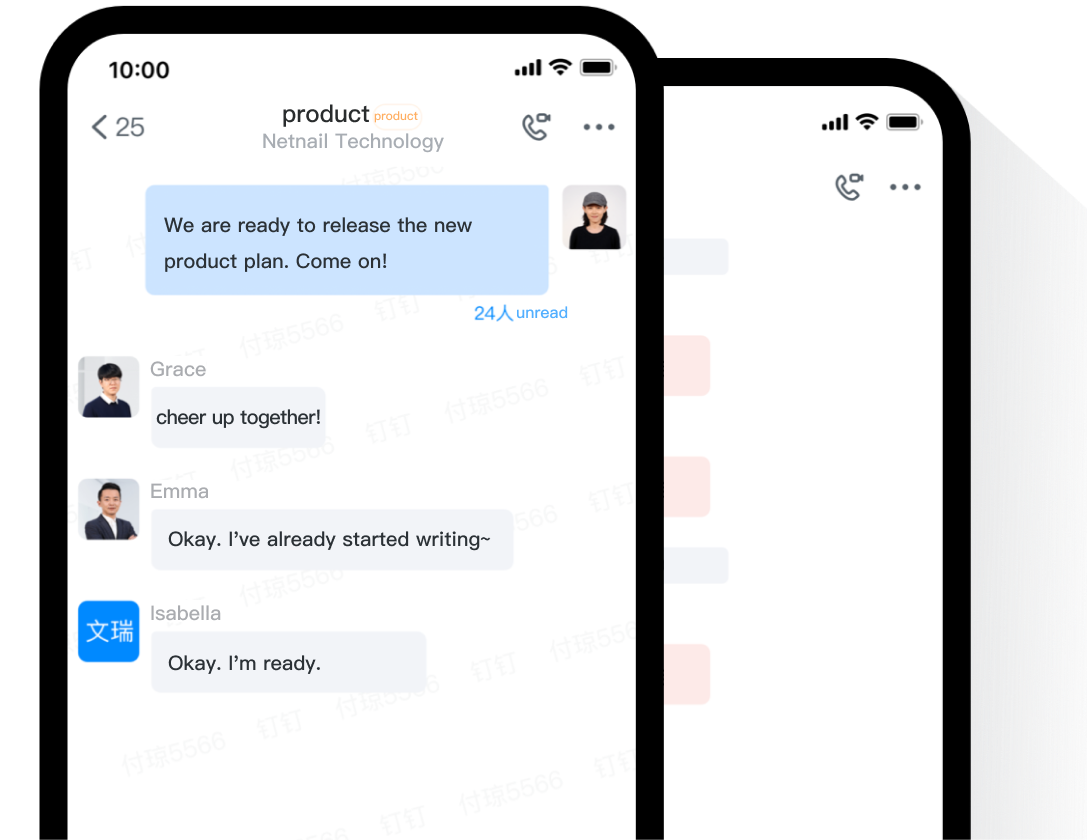
Information is Synchronized in the Cloud Data only Follows the Organization

Info syncs losslessly across terminals. New hires can view chat history for quick project integration.

Ensure the Security of Organizational Information,Prevent it from being Leaked

In the org, real – name chat is used. Resigning employees leave groups auto. Chat watermarks prevent screenshot leaks, securing info.

DingTalk Meetings

It’s Simple and Convenient, Allowing you to Organize Meetings with Ease.

Calendar Reservation

Reserve meetings via schedule. Pre – book staff & rooms, avoid conflicts. System auto – reminds, no meeting misses.

One-click Calling

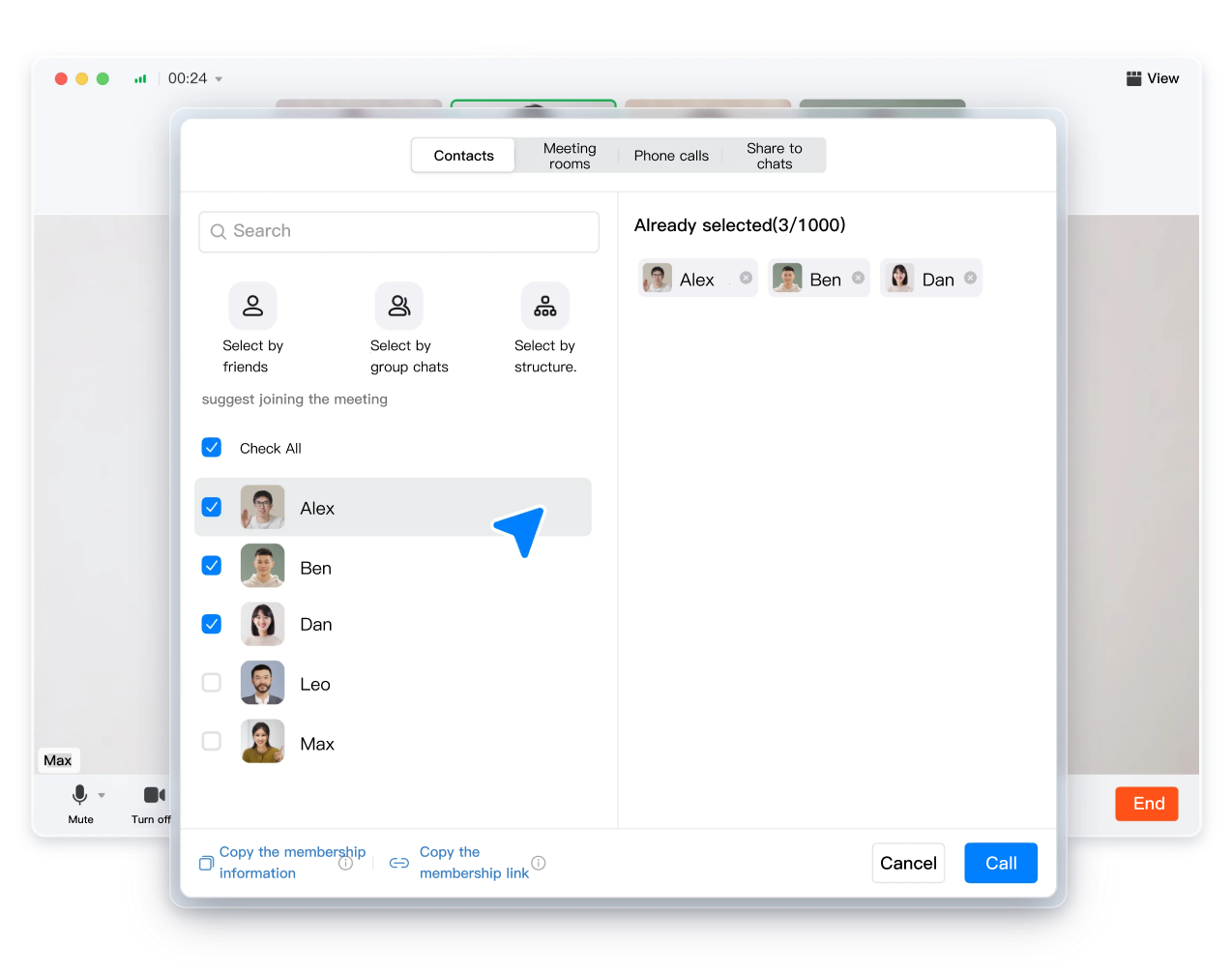
Integrate with DingTalk address book for quick calls. Supports inviting others to meetings via DingTalk, phone, or meeting numbers.

Seamless Integration with DingTalk Chat

Whether it’s a one-on-one chat or a group chat, you can quickly start a video conference through the meeting button on the toolbar.

Efficient Collaboration Liberating Productivity

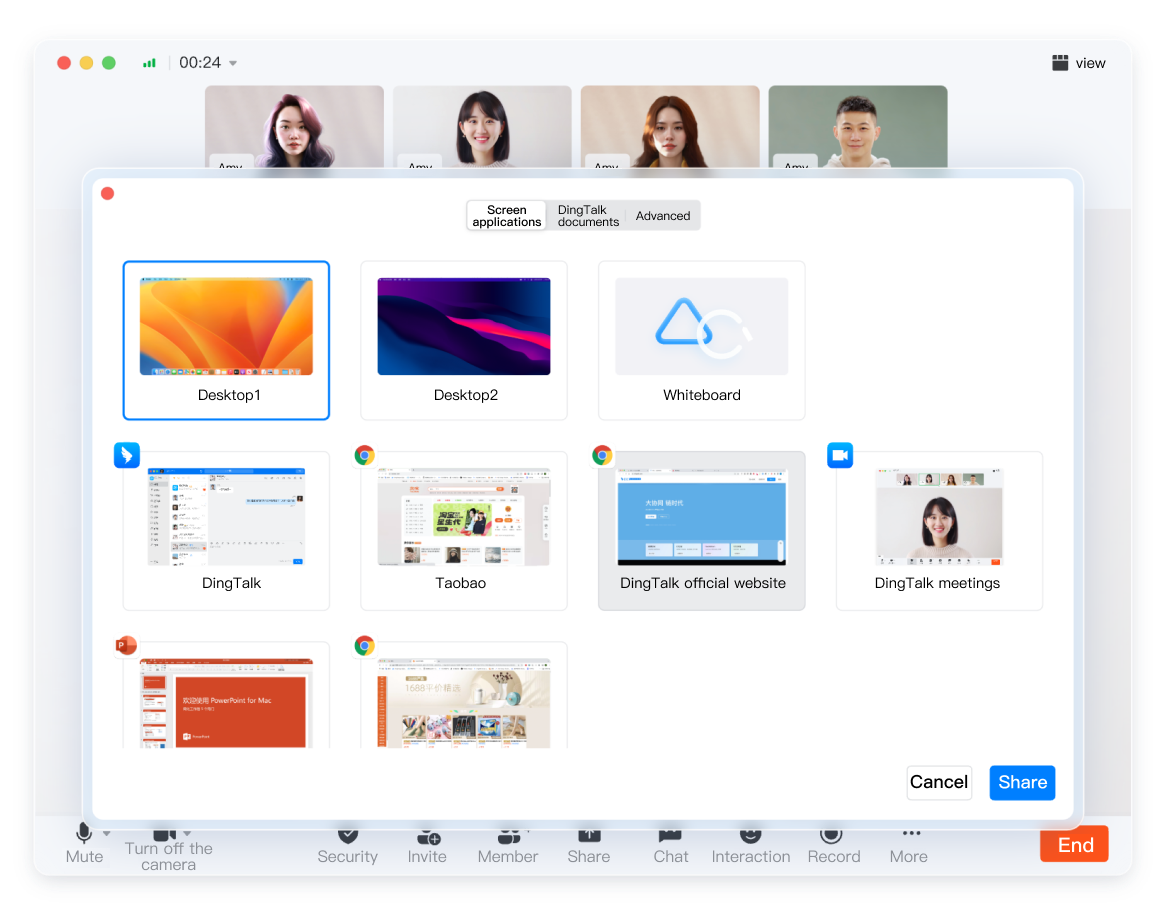
Share Screens and Documents.

One-click screen share for real-time viewing, doc share for multi-person edits, and whiteboard share for ideas.

Sharing Supports Multiple People’s Annotations

When screen – sharing, use brush and graphic tools to annotate on – screen content. Draw freely as you speak for more thorough and accurate expression.

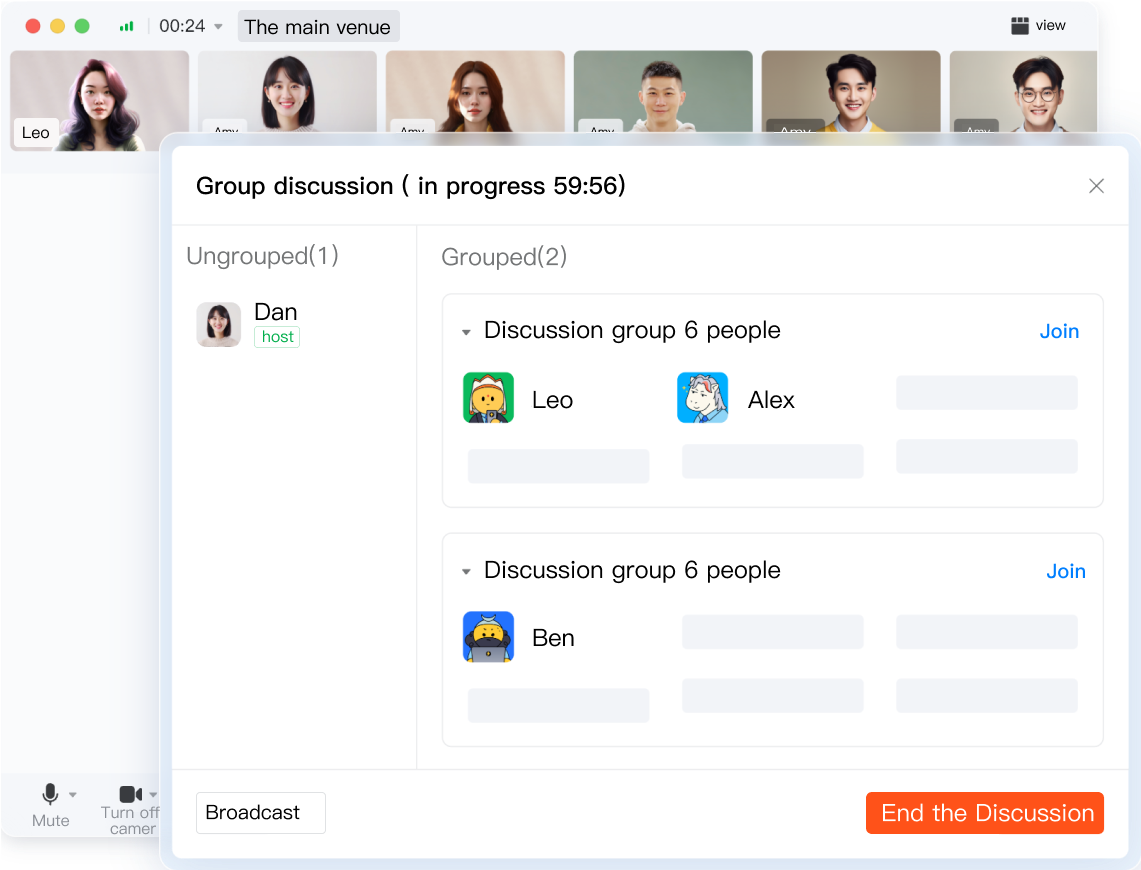
Group Discussion

One-click grouping and closed group discussions. Internal discussions are independent, clear and more focused, avoiding mutual interference.

It’s Safe and Worry-free Ensuring the Order of the Meeting

Waiting Room

A pre – meeting waiting room is provided. All participants need approval to enter, protecting private and sensitive info.

Screen Watermark

Screen sharing supports security watermarks, preventing screenshots and content spreading, with traces left in case of leaks.

Internal Meeting

The host can set the meeting to allow only members of the designated organization, barring unassociated people from joining.

AI Unlocks a Brand-new Meeting Experience

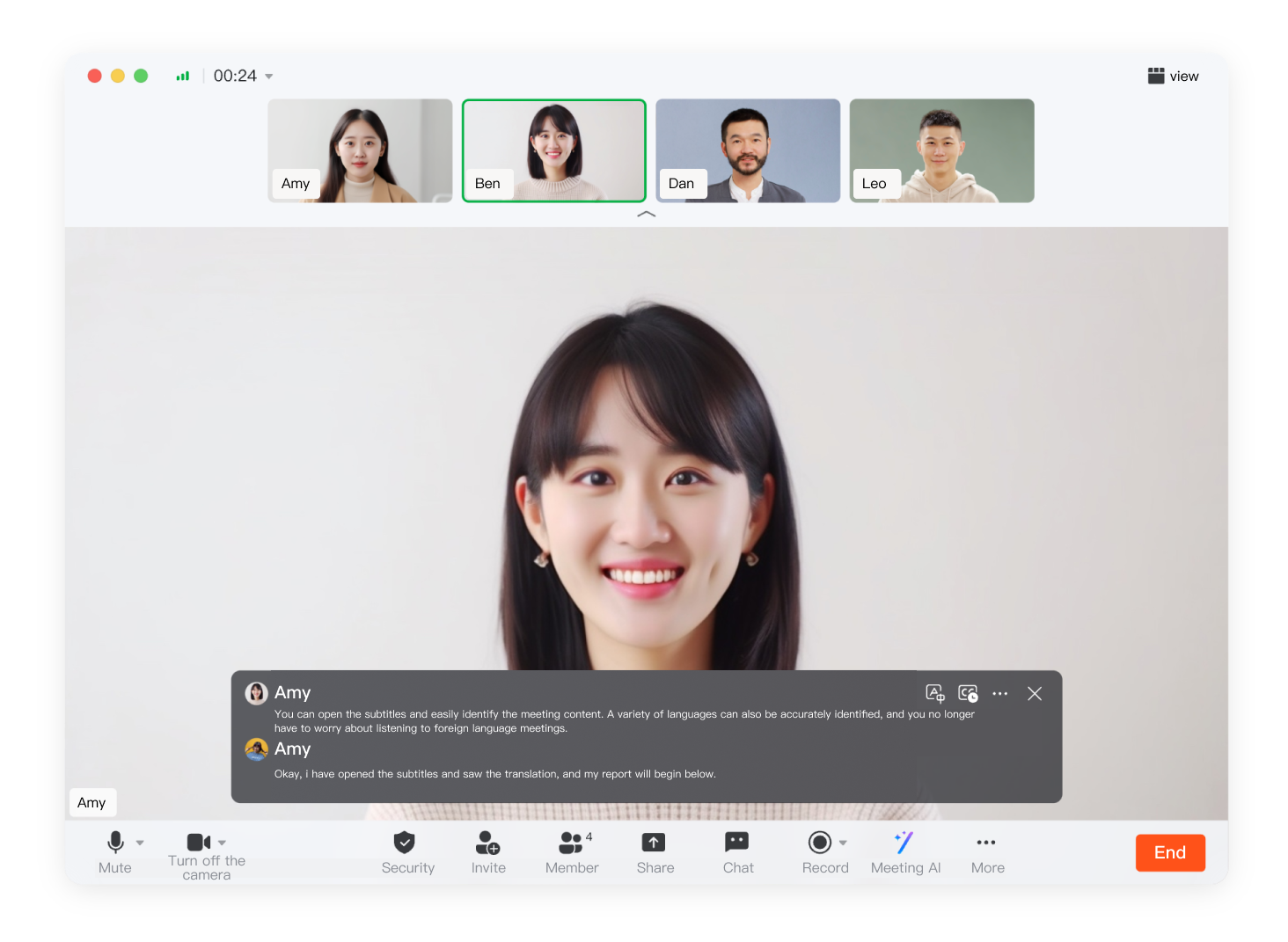
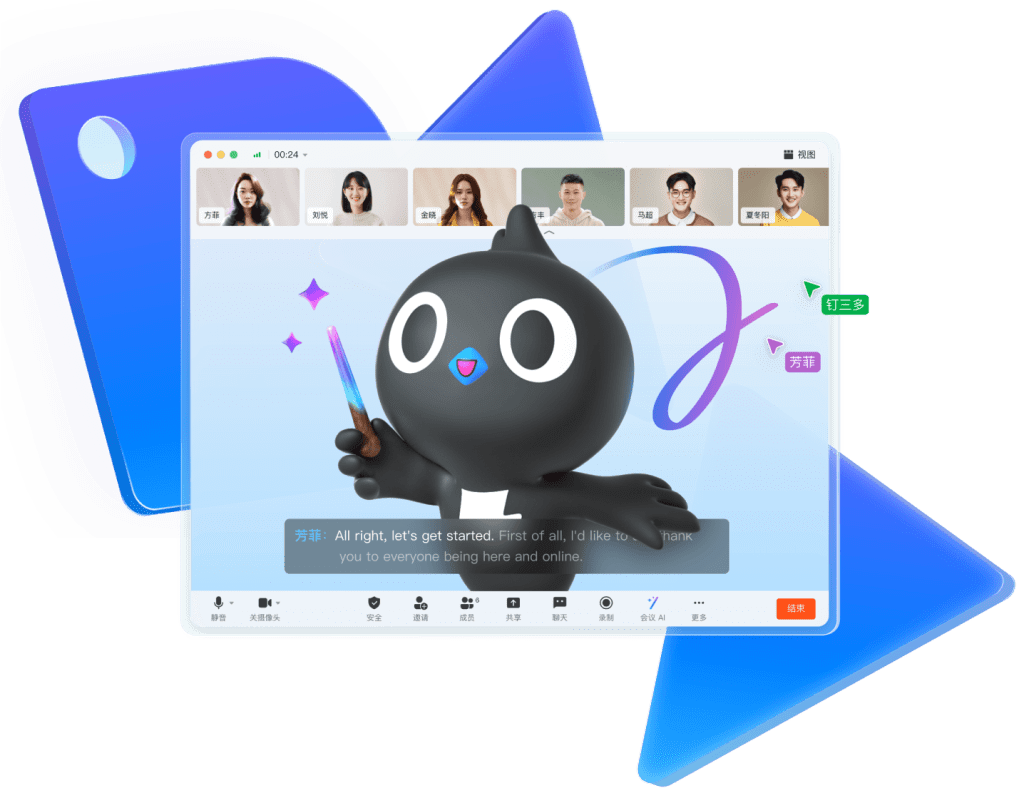
Real-time Subtitles

It provides real – time voice – to – subtitle and translation, useful in noise or on trips.

Meeting Minutes in Real Time Helping you Listen to the Meeting as it Happens

No need for a note – taker. Real – time meeting minutes let you listen and transcribe concurrently, and generate summaries anytime.

Post-meeting Flash Notes Automatically Generating Summaries

Intelligently transcribes, records, and extracts meeting summaries. Enables search and playback for easy post – meeting review.

Wonderful Interactions Make Communication More Vivid

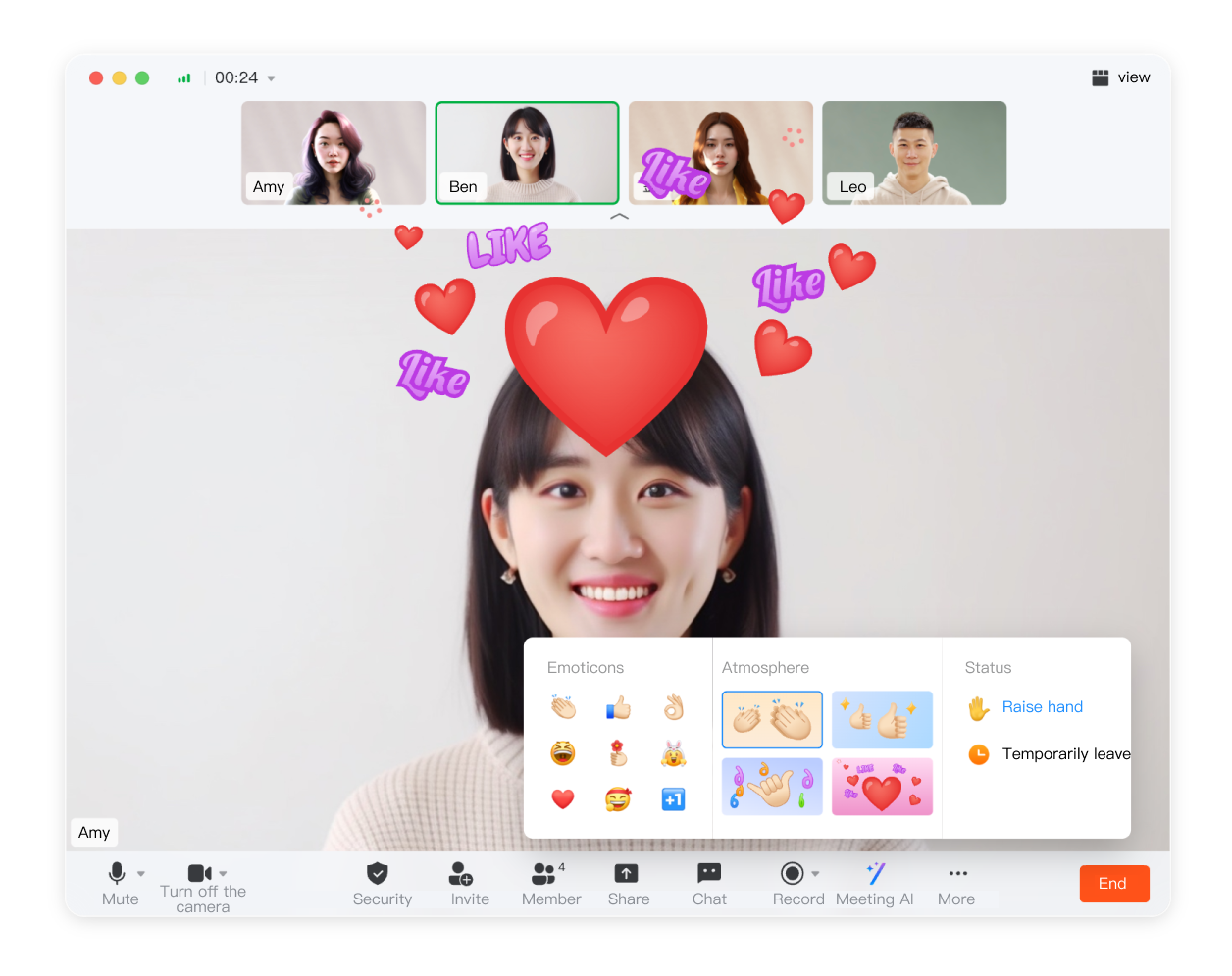
Chatting and Emoticon Interactions

Video conferences offer chat, full – screen emoticons, statuses and atmospheres. They liven up meetings for better communication.

Take a Group Photo with one Click

One click starts a countdown for all meeting attendees to take an online commemorative group photo.

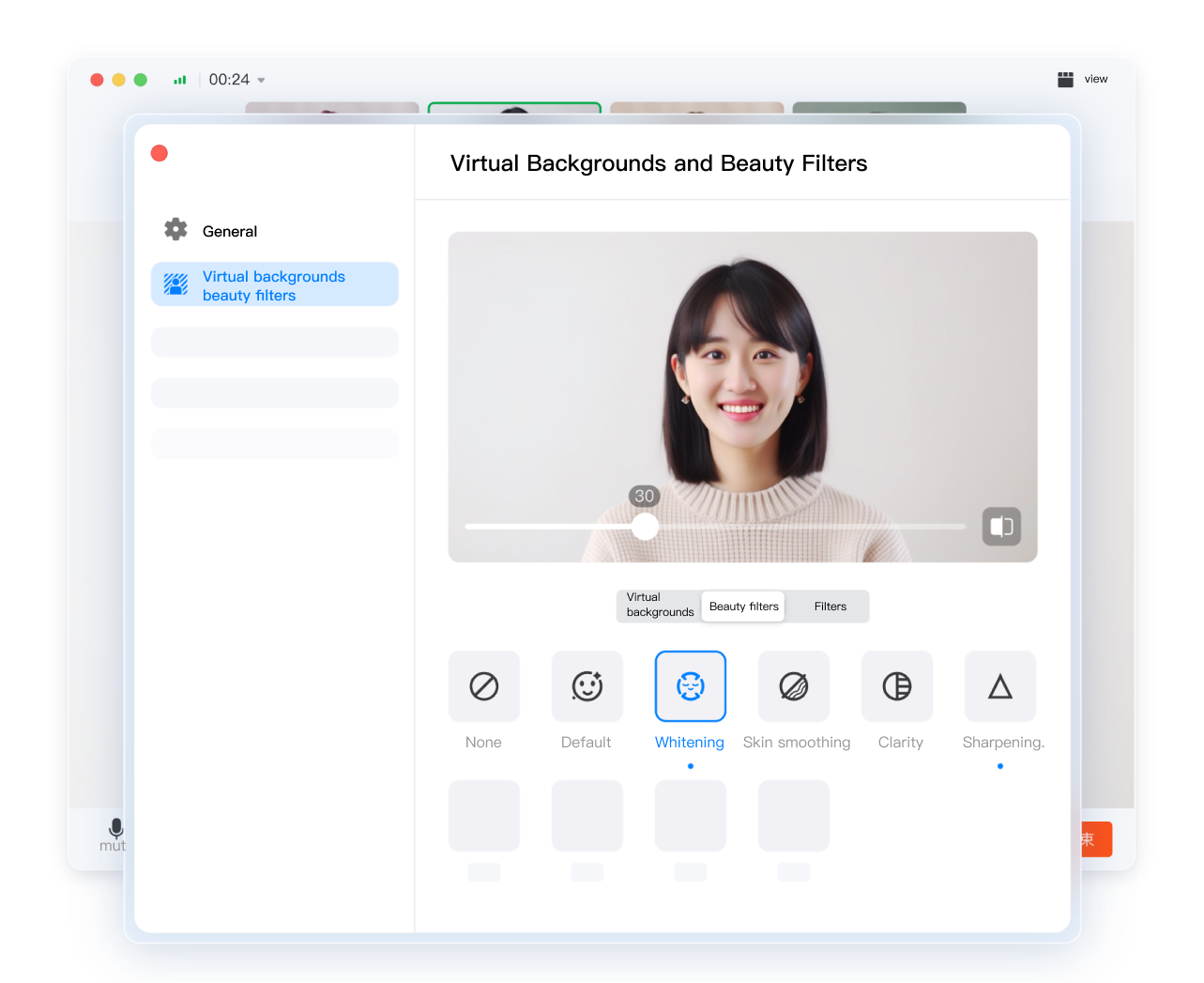
Virtual Backgrounds and Beauty Filters

Customize meeting backgrounds to look presentable. Use beauty & filter options for a personalized look.

DingTalk Meeting Room Solutions

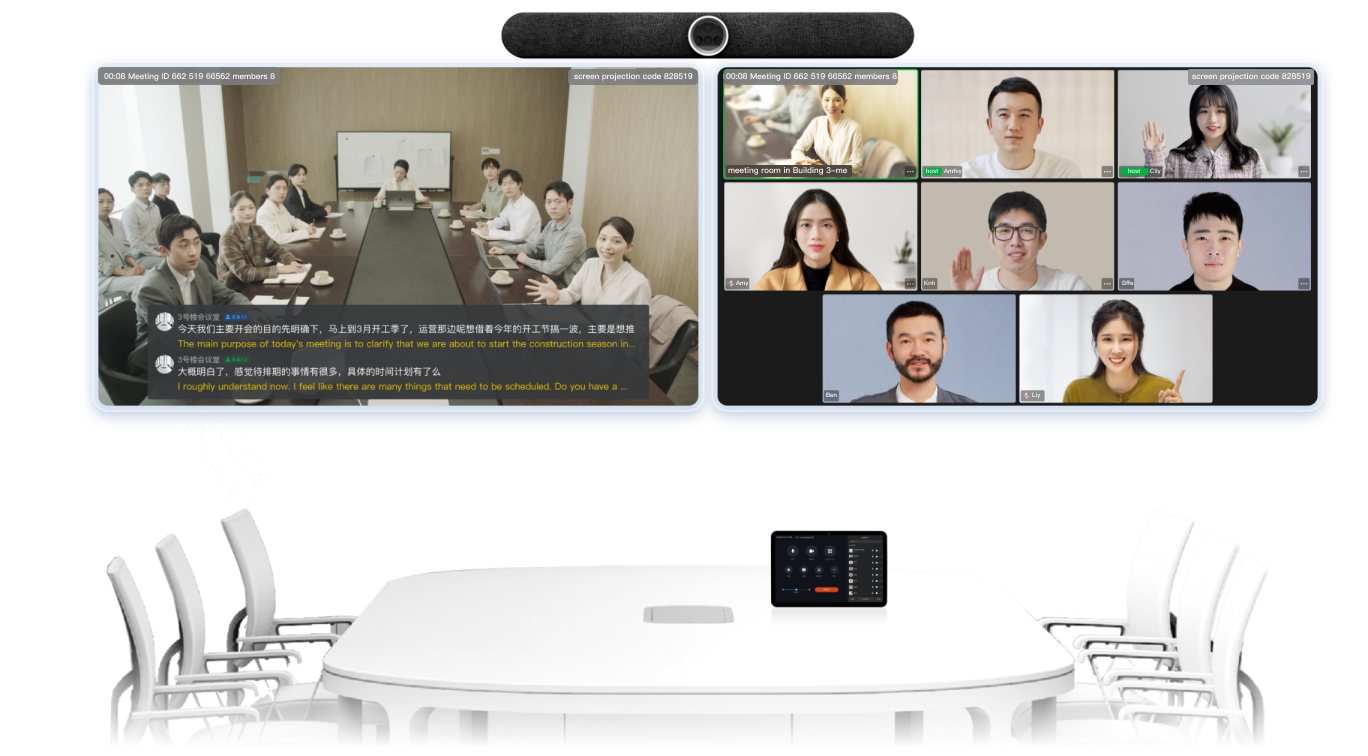
DingTalk Meetings Rooms

It deploys on various hardware, offering a full solution for meeting – room wireless projection, whiteboard work, and video calls.

Intelligent Meeting Room Management System

A meeting room solution covering multi – level management, reservation, equipment O&M, and corporate culture promotion.

Meeting Room Connector

It’s widely compatible with Polycom, Cisco, Huawei, Yealink, etc., enabling seamless SIP device – DingTalk Meetings connection.

intelligent documents

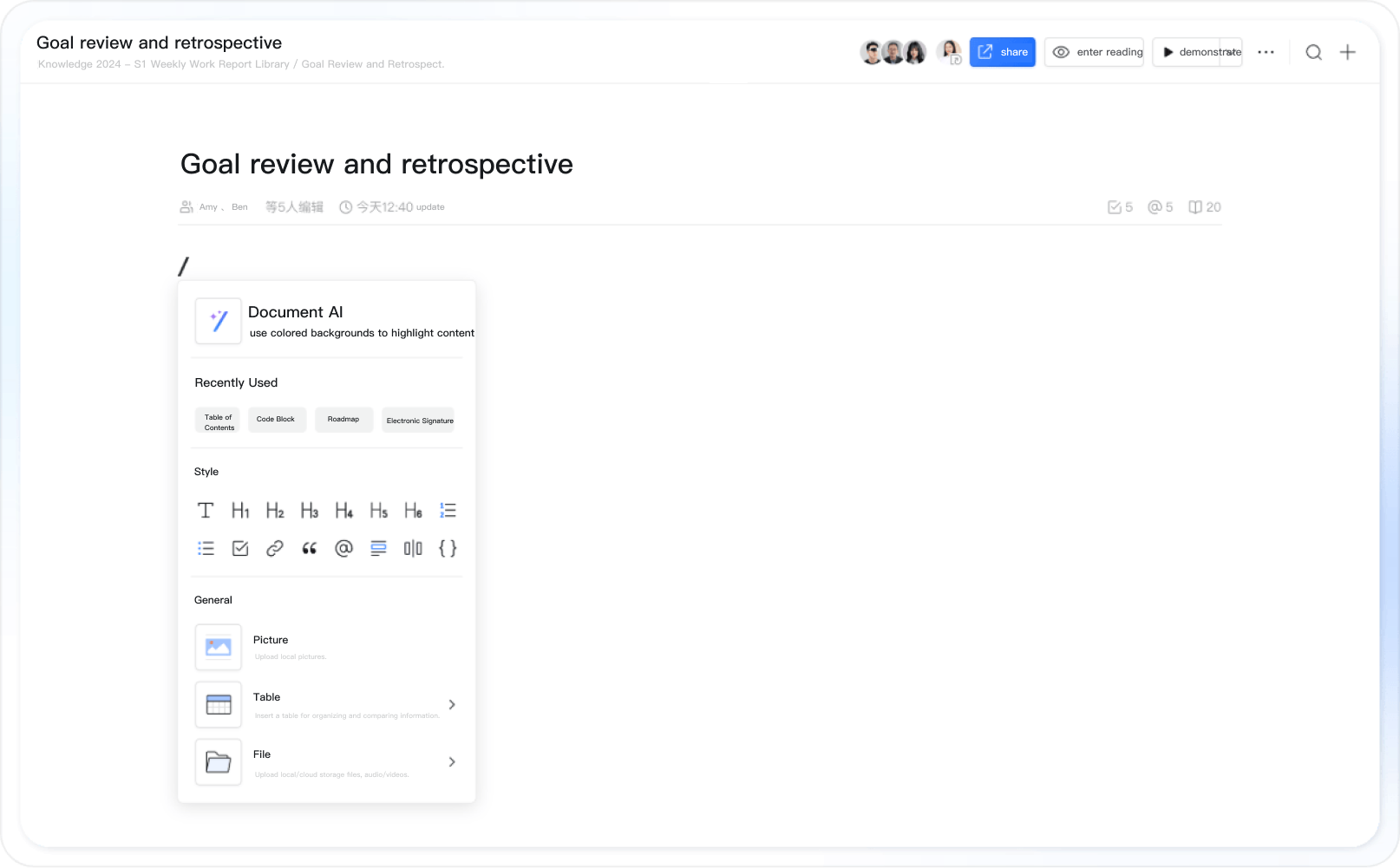
Smooth editing and immersive creation

Typing “/” instantly evokes 50+ insertions

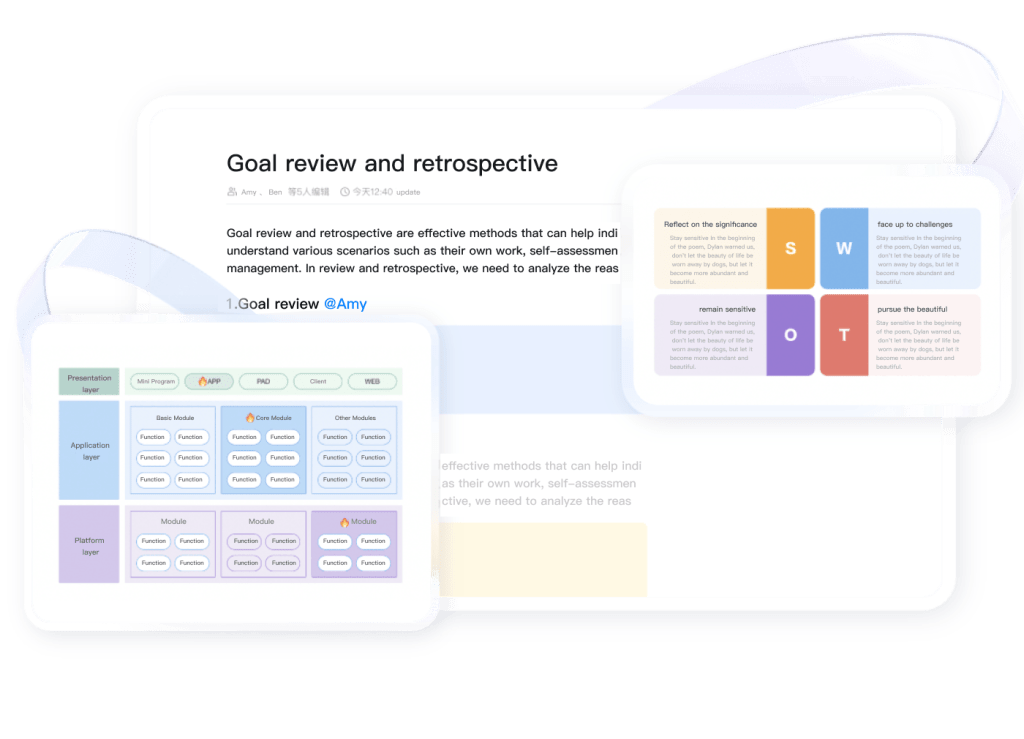
Connect people and documents to collaborate effectively

collaboration partner in the document can be quickly reached

A variety of ways to share wonderfully

The document becomes PPT in seconds; Support generating long graphs/videos

DingTalk Mail

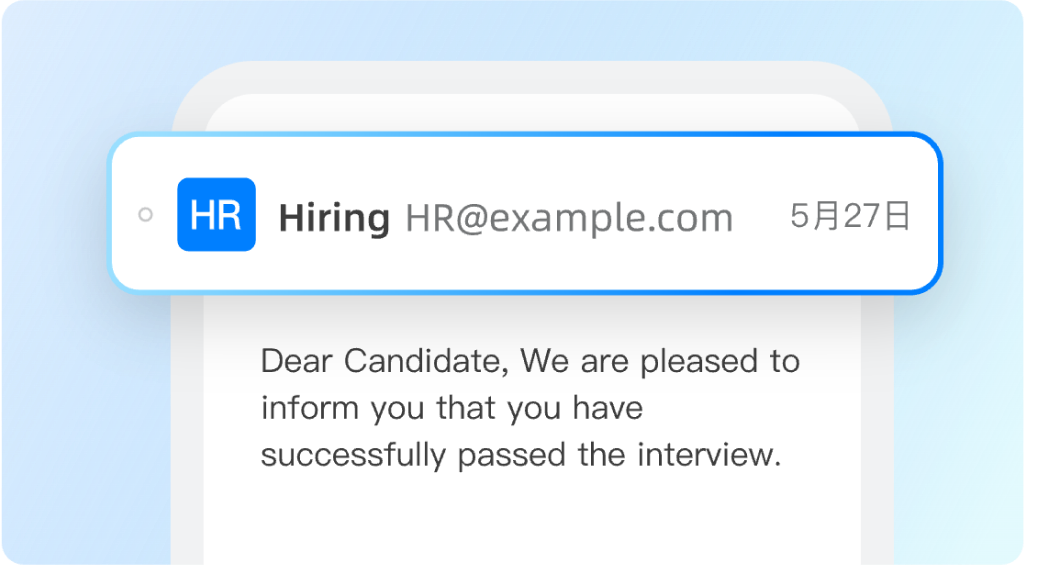
Customized email domain, enhance your corporate image. Perfect for professional communication in recruitment, customer interactions, and internal communications, significantly improve enterprise management and communication efficiency.

Your Business Facing

These Challenges

How to interact professionally with a corporate image while ensuring information security and efficiency?

Enterprise data is safer

Difficult to Manage Email Data and Ensure Information Security?

Recall phishing/sensitive emails fast for emergencies. Set monitor, forward, review rules for efficient sensitive – info management.

Collaborative work is more efficient

Email Notifications Hard to Reach, Corporate Efficiency Low?

DingTalk Mail integrates IM, contacts, etc. Simplifies email mgt, strengthens notifications, boosts teamwork.

Corporate image is more professional

Personal Email Trust Concerns in External Communication?

Unify email domain with brand for recruitment & customer comms. Set up shared mailbox for multiple users, slashing costs.

DingTalk Disk

a secure and reliable

enterprise file management platform

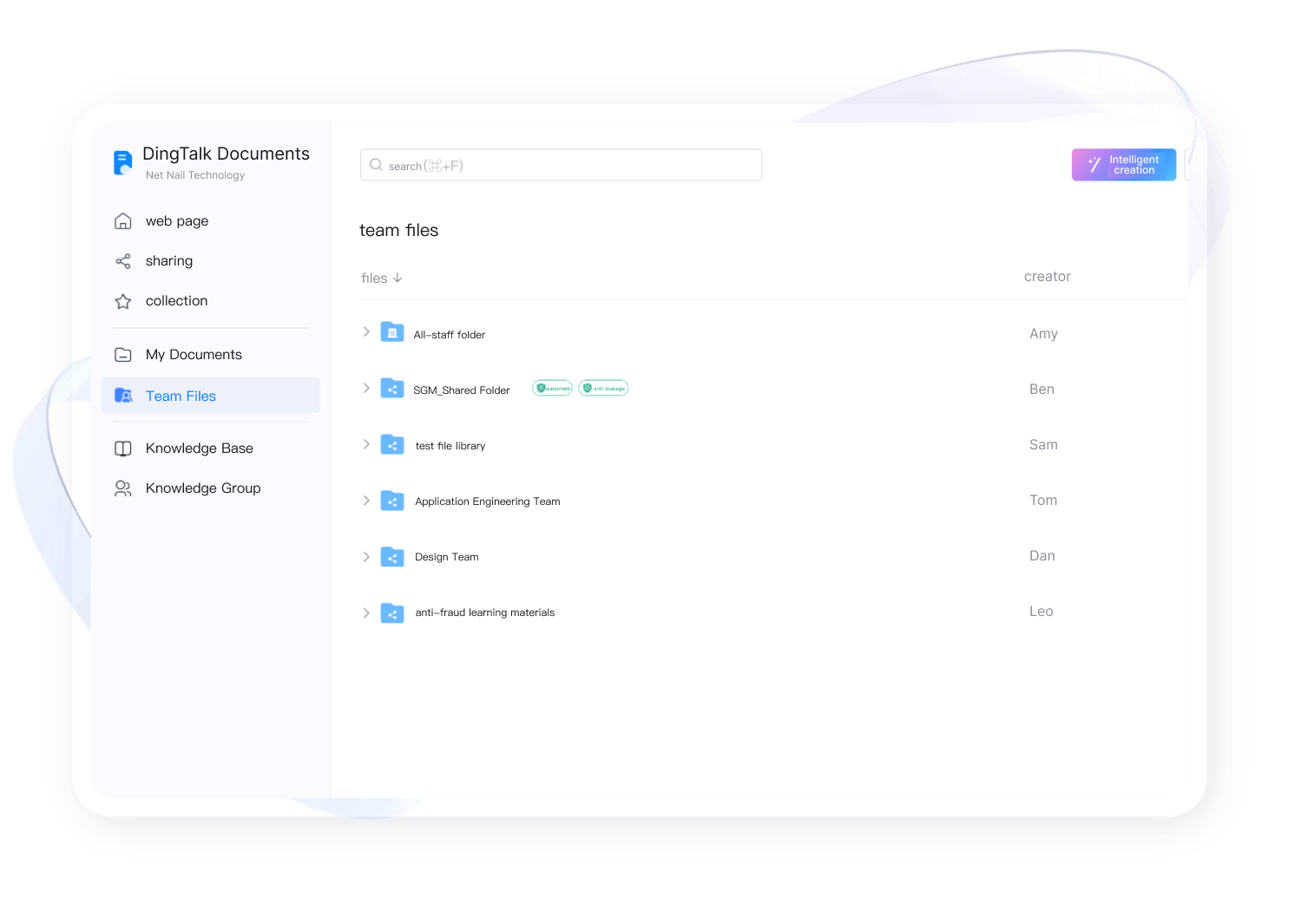
It helps enterprises and teams store, edit and share work and study materials in one stop, making file collaborative management more efficient.

Secure

Enterprise Network Disk

Secure, stable service. Global access. Files encrypted, multi – level perms (read – only, watermarks) for safer file mgmt.

Simple

Enterprise Content Management

Business & project files? One – click save on DingDisk. Centralized storage, anytime access, easy op.

Efficient

Enterprise File Collaboration

Create team, get 100G. Unlimit users. Chat – file share linked. Send/receive DingDisk files in chat, boost collab.

DingTalk Live

Initiate new enterprise live – streaming. Simplify training, ensure knowledge flows freely. Handle training, recruitment, events, campus classes with ease.

Simple and Efficient, Start Live Streaming Anytime and Anywhere

One click to stream. Easy. Up to 200 simulcast groups, reaches all – staff, dept & class groups fast. Simple & efficient.

Multiple Interactions to Liven Up the Atmosphere of the Live Streaming Room

For training & event live – streams, guest video links assist. Audience interacts via bullet chat, video calls, likes for quicker comms.

Preheat Publicity and Promotion to Facilitate Operation.

Schedule streams via calendar or in – group. Warm up key ones. Use “Highlight Moments” to clip, share, boost popularity.

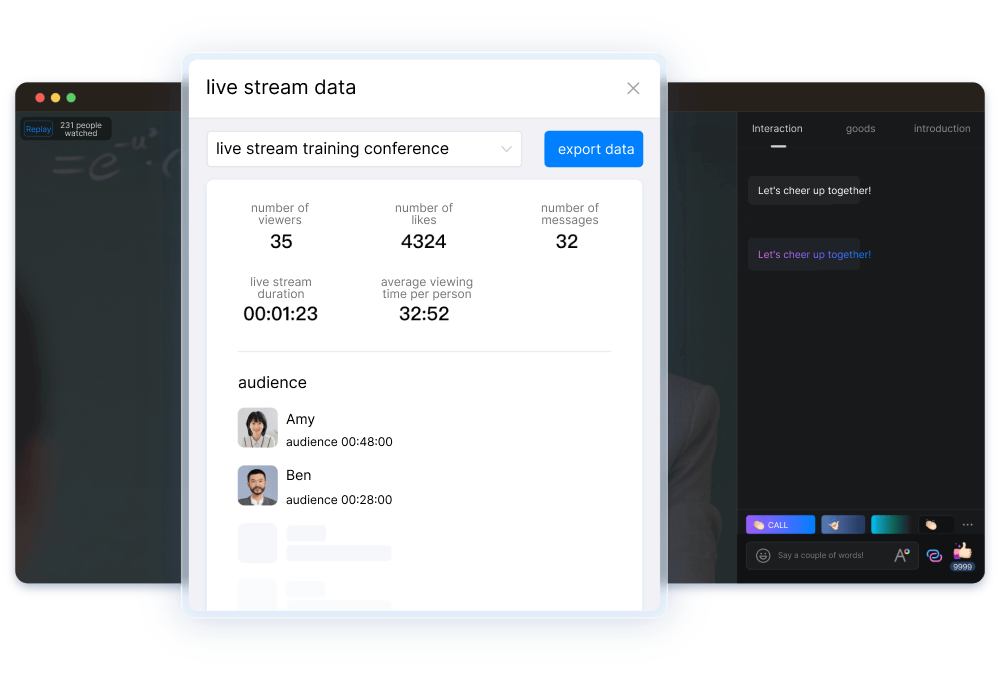
Content Accumulation Live Streaming Data Statistics

Schedule streams in calendar or group. Add warm – up for big streams. Use “Highlight Moments” to clip, share, and boost stream popularity.

Guided by Intelligence Create an Efficient Live Streaming Experience

Real – time subs show stream content, beating noise/lang barriers. Smart chapters offer quick access. Replays transcribe for fast review.

Contact Us